
Starting point
The challenge.
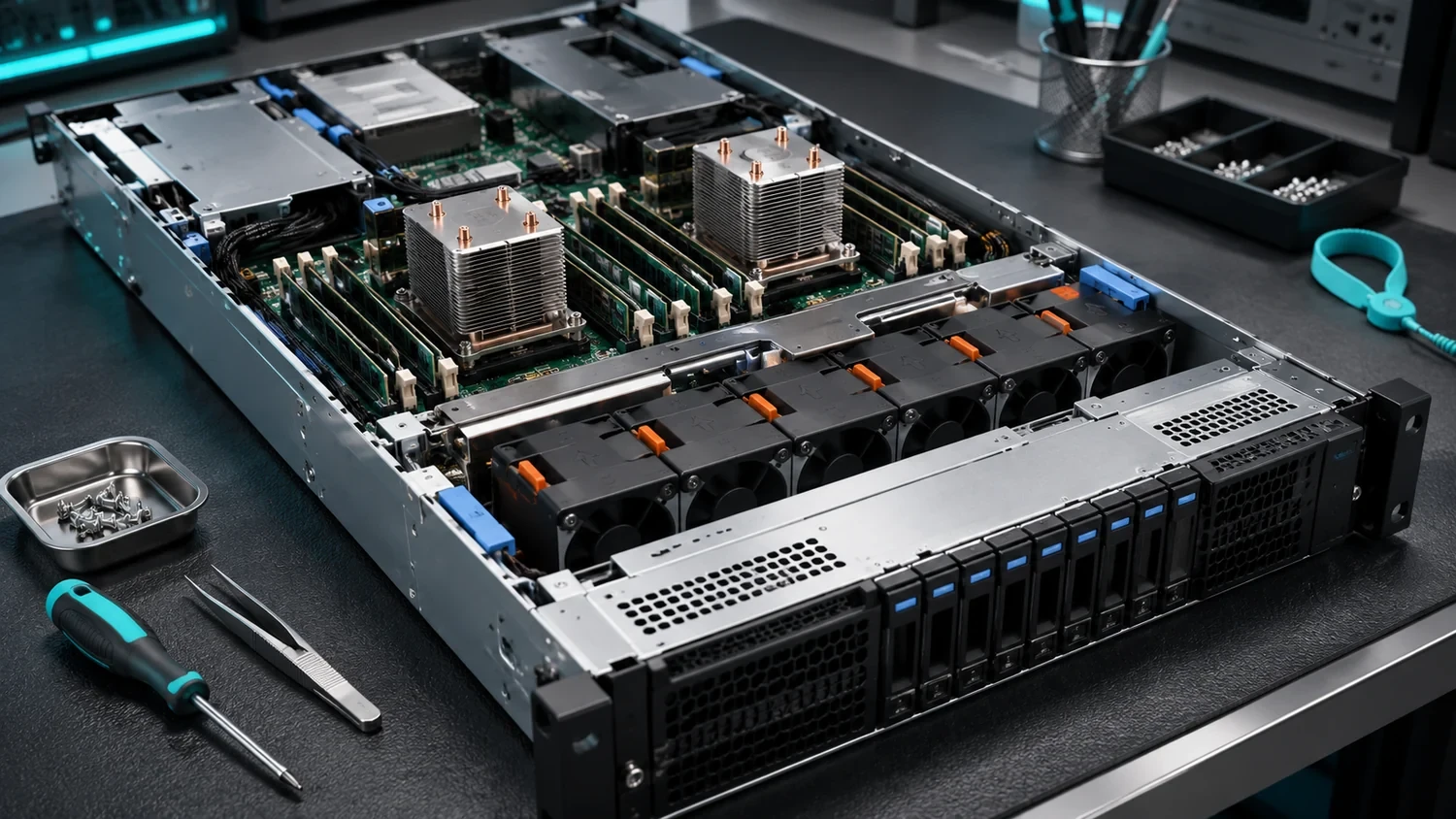
The photographs show a Dell PowerEdge server during technical work. The ePSA diagnostic screen indicates a drive fault; other system components display green status indicators.
Approach
A targeted technical approach.
The hardware is accessed and relevant assemblies are inspected. The images document the interior and rear connections of the server. The subsequent diagnostics provide information on fans, temperatures, power and other components.
01 / Hardware work
Inside the server
Original photographs show the opened server and its rear connections, providing a view of accessible hardware assemblies.
Original photographs · Click to enlarge.
02 / Diagnostics and testing
Traceable system health checks
ePSA and iDRAC supplement physical inspection with system status information. The drive fault remains visible in the ePSA result; the iDRAC overview displays green status indicators for several other components.
Original photographs · Click to enlarge.
Customer benefit
What should improve?
Systematic isolation of hardware faults
Documented diagnostics as a basis for follow-up action
Final functional testing before return to service as an objective
The ePSA diagnostic screen shows a drive fault. The documented checks support further fault isolation; a fault-free final test is not shown.